An online course for new Cricut owners
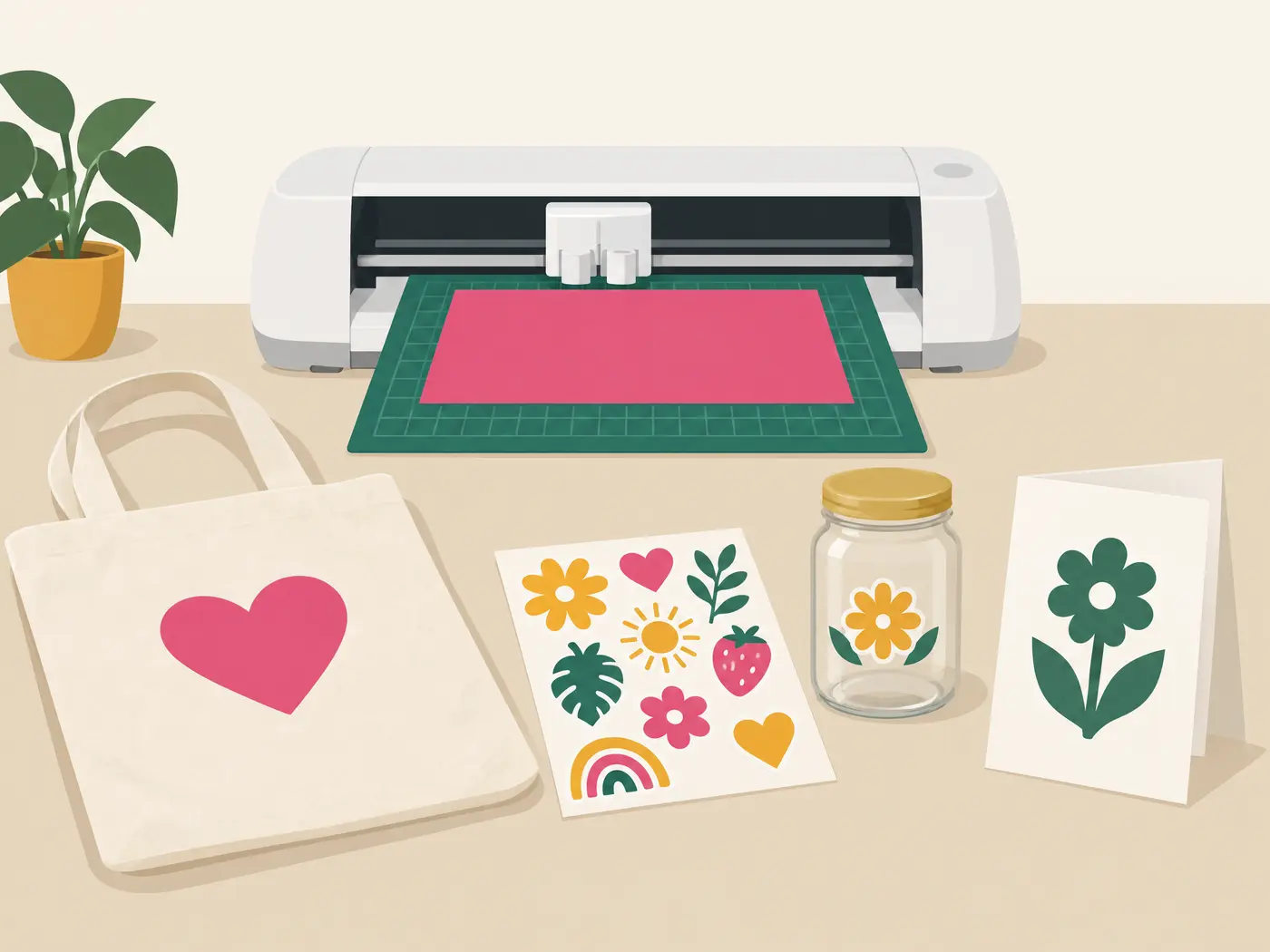
Five finished projects from your first Cricut.
Short, no-assumptions video lessons that take you from the box to a vinyl label, a card, an iron-on tote, stickers and a design of your own. Matched to your machine, so you don’t waste supplies.
For Joy, Explore and Maker owners. About 2 h 25 min of video, at your own pace.
Most tutorials assume a machine you don’t have.
Every machine treated the same
A Joy can’t do everything a Maker can. Each lesson says where your machine differs, with an alternate project when it can’t.
Costs you find out about later
The shopping list splits what you need from what’s nice to have. No subscription, printer or heat press assumed.
A wasted sheet when the cut fails
Test cuts first, always. And a symptom-by-symptom guide for when vinyl lifts, paper tears or the cut comes out wrong.
Try it: the machine check
What can your machine make?
Three questions. You’ll see which of the five projects you can make as taught, and which take another route.
Which Cricut do you have?
Do you have a home printer?
For iron-on, do you have…
Answer all three to see your five projects.
The course follows your machine’s track. Join the waitlist to hear when it opens.
How it works
- 1
Check your machine
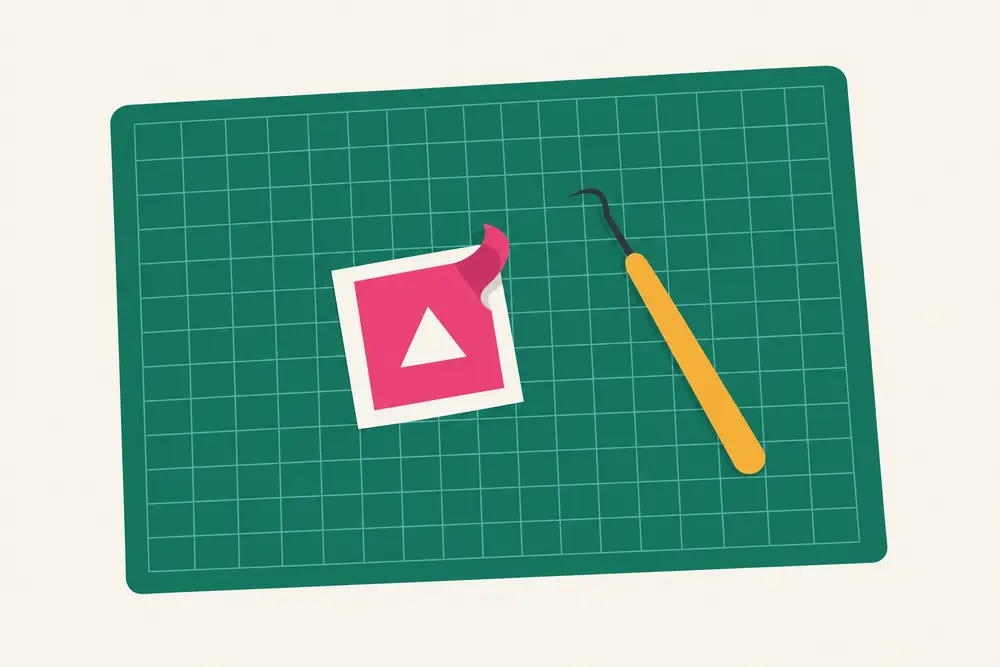
Module 1 sets up your Cricut, connects Design Space and runs a test cut, so you know what works before you spend anything.
- 2
Make one thing per module
Each project builds on the last, from a small label up to a design of your own. Stop after any module with something finished.
- 3
Fix it without wasting supplies
When a cut goes wrong, match the symptom and run one small test, instead of cutting a whole new sheet.
Seven modules

About 2 h 25 min of video, plus a one-page card for each project with what you need, the files and how to tell it worked. Every design is original, so nothing depends on paid images or fonts.
- 01Unbox, connect and test-cut
- 02Project 1: a vinyl label
- 03Project 2: a greeting card
- 04Project 3: a tote with iron-on
- 05Project 4: print then cut
- 06Project 5: your own design
- 07Fix it without wasting supplies
Questions
Which machines does it cover?
Cricut Joy, Joy Xtra, and the Explore and Maker series. Lessons note where your machine works differently, and give an alternate project when it can’t do one.
Do I need Cricut Access or another subscription?
No. Every project uses free fonts and shapes, or the course’s own original designs.
Do I need a printer or a heat press?
Only for two projects. Print Then Cut needs a home printer, and the iron-on tote needs a household iron or a heat press. No printer? You take the alternate project instead.
I’ve had my machine for months and never used it. Is that okay?
That’s who it’s for. Module 1 starts at the box: setting up, connecting Design Space and your first test cut.
Can I sell what I make?
The course’s designs are original. Cricut’s own images and fonts have their own license terms, so check those before you sell anything made with them.
When does it open, and what does it cost?
Soon. It’s one price, paid once, with no subscription. Join the waitlist and we’ll email you when it opens, with an early-bird price.
Out of the box. Making things.
Seven modules, five project cards, a starter shopping list and a cut troubleshooting guide. One price, paid once, no subscription.